Present to Camera: Online Course for Zoom, Video & Virtual Presentations
If you need to impress people at your next virtual meeting, online presentation or video, Our Present to Camera Course is a comprehensive online program for those who need to improve their ability on platforms like zoom or when creating videos or tutorials.
All this is done in your own time and at your own pace.

In the last couple of years, we've all been pushed to talk, present and report to camera, whether we are ready or not.
But talking to the lens isn't natural.
It's not something you are born with the ability to do. Therefore, getting in front of the camera can be hard and stressful.
Our Present to Camera program is designed to break through those FEAR barriers and help you know EXACTLY what to say, how to say it and how to get your audience hooked on what you are saying. You’ll learn how to:
👉 CONFIDENTLY hit that "record" or "join meeting" button
👉 KNOW what to say, when to say it and how to phrase it, so your audience like you
👉 OVERCOME FEAR of filming yourself or showing up live
👉 BOOST your credibility online
👉 FEEL GOOD about going live on camera or recording videos
👉 CONNECT wholeheartedly with your audience and potential customers
👉 LOOK and SOUND great virtually
👉 ENJOY SUCCESS as you use the camera to improve your professional role or your own business
👉 Get EVERYTHING you NEED to create outstanding presentations, videos and online reports.
And the best part is, Present to Camera is made up of online modules to complete in your own time, at your own pace.



Feel Confident on Zoom, Teams and Video Calls
Do you ever feel uncomfortable when your camera is switched on? Perhaps you find it difficult to maintain eye contact with the lens, struggle to communicate naturally or worry about how you look and sound during virtual meetings.
You're not alone. Presenting through a camera is a skill that can be learned.
Our Present to Camera course helps you develop the confidence and practical techniques to:
Feel more relaxed when your camera is switched on.
Speak naturally and confidently during virtual meetings.
Look and sound professional on Zoom and Microsoft Teams.
Maintain audience attention when presenting remotely.
Use your voice and body language effectively on screen.
Prepare and deliver online presentations without losing your train of thought.
Lead meetings and communicate your ideas with greater authority.
Whether you're attending an important client meeting, delivering a presentation to colleagues or speaking to a large online audience, you can develop the skills to make a stronger impression.
ENROLLING NOW…
Present to Camera
Online Course (valid for 12 months)
Cost: £150.00 (for the whole course including personalised feedback)
Who Is This Online Camera Presentation Course For?
Present to Camera is suitable for anyone who needs to communicate through a camera as part of their work, business or everyday professional life.
It is particularly useful for:
Business owners: Create engaging videos, promote your services and connect with potential customers.
Coaches and consultants: Deliver online sessions, training and educational content with confidence.
Managers and team leaders: Lead virtual meetings and communicate clearly with remote teams.
Professionals and employees: Improve your confidence during Zoom and Teams meetings, presentations and interviews.
Teachers and trainers: Record lessons, deliver online workshops and engage virtual audiences.
Speakers and presenters: Develop your on-camera delivery and create more professional video presentations.
Beginners: Learn how to feel comfortable and confident speaking to a camera, even if you've never presented online before.
You don't need to be a professional presenter. If you use a camera to communicate, this course can help you do it more effectively.
Here’s Exactly What You’ll Get:
✅ 12 Online Modules from the exclusive Present to Camera program plus 5 extra training bonus modules
✅ Easy Access to the online content within the program through a simple to follow, private membership portal which you have access to 24 hours a day/7 days a week.
✅ An abundance of videos, audios, workbook resources, done-for-you swipe files and templates
✅ Free Membership to the Professional Performance Association while training with us
✅ You'll get the low down on all the technology you need (and don't need) to start filming or to join a meeting to ensure you stand out and look professional.
✅ You’ll discover what the famous "Three Point Lighting Technique" is.
✅ You’ll uncover the secret to making the camera love you
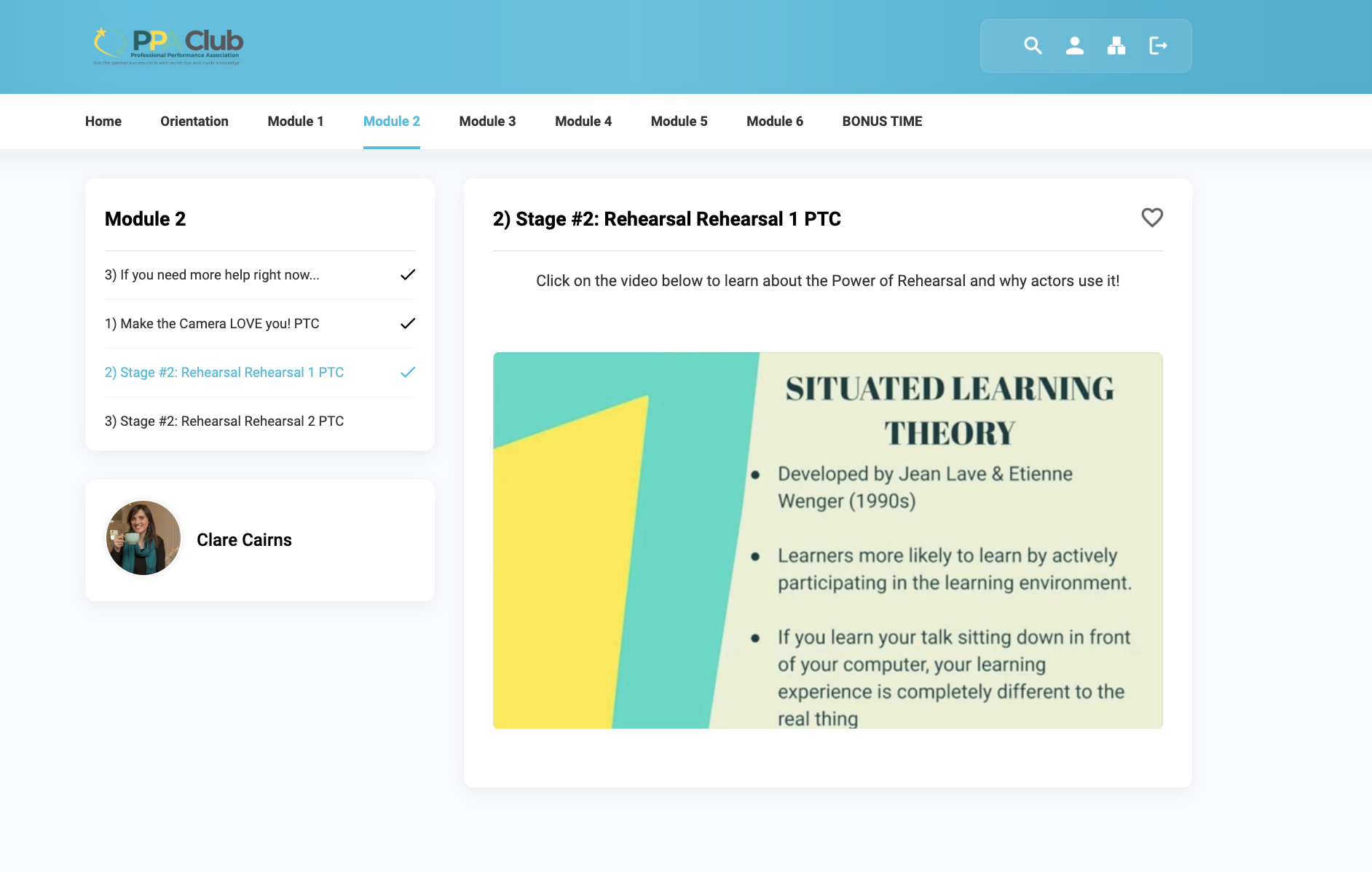
✅ You’ll learn all about rehearsing for camera and be able to avoid the most common issues amongst speakers like "memory blank" or "brain freeze" so you can deliver your prefect presentation or report every time.
✅ You’ll discover how much body movement is TOO MUCH body movement for filming or presenting online.
✅ You’ll master what sort of background to use for each occasion.
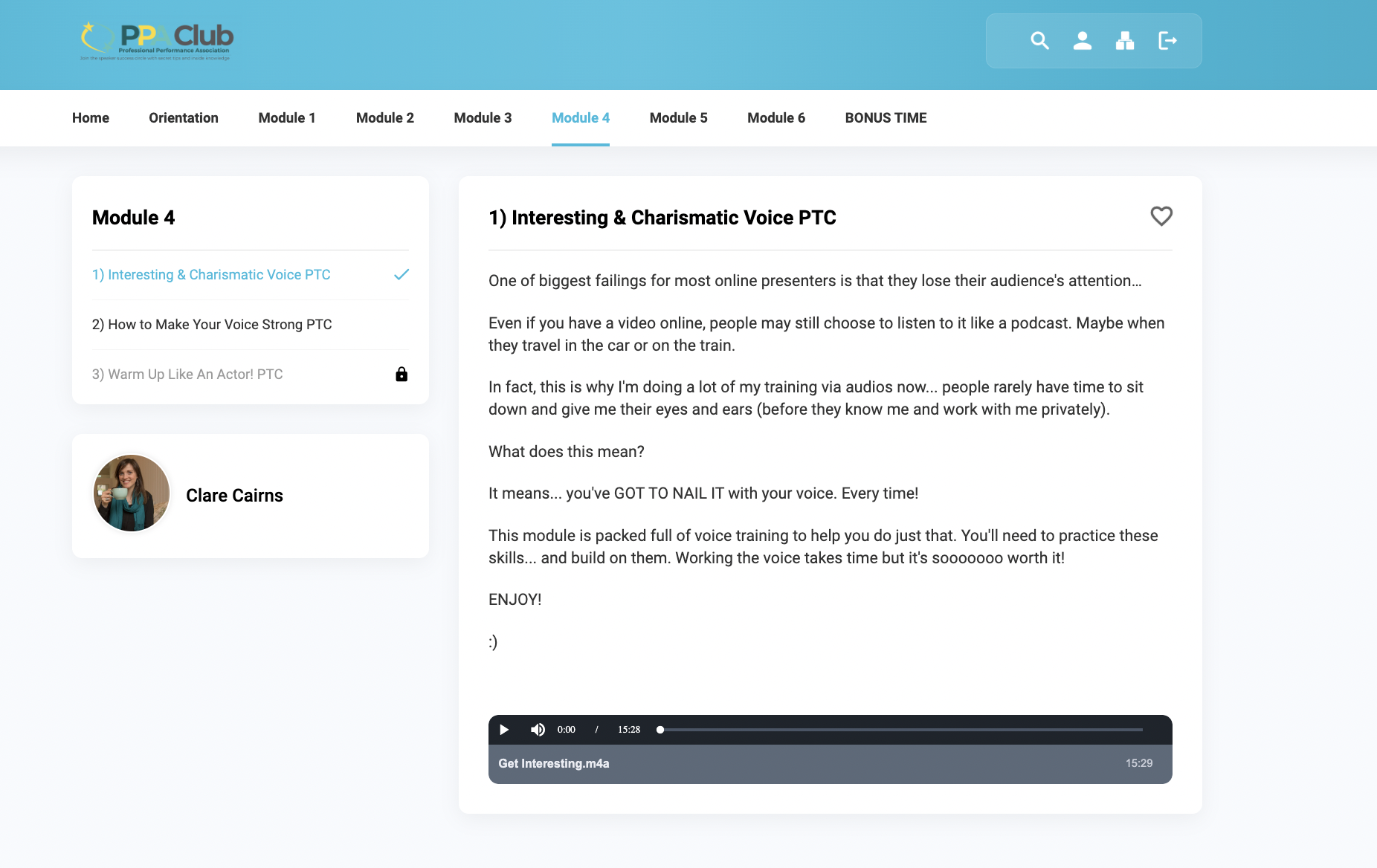
✅ You’ll get practical tips and exercises on how to sound interesting and charismatic, so that you hold your audience attention.
✅ You’ll learn about your voice and how to warm it up properly.
✅ You discover how to make your voice strong and speak with authority.
✅ You’ll practice top secret acting tips that get you ready to shoot or turn up live at any time.
✅ You’ll create your own powerful presentations and speeches that make people stop in their tracks and give you their attention.
✅ You’ll discover the best way to make your presentation stand out visually, whatever your budget or design skill.
✅ You’ll learn how to go live without tech issues.
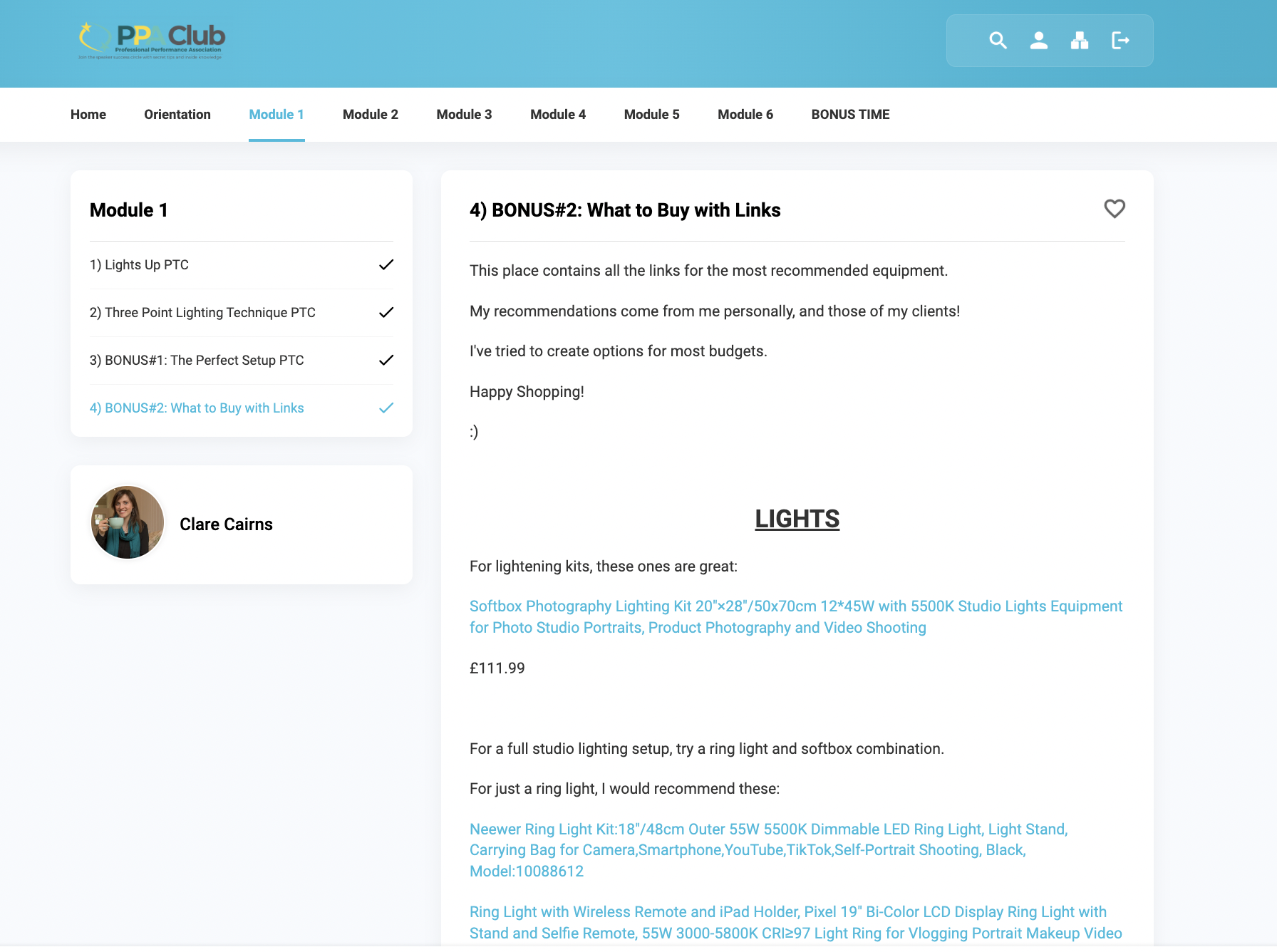
✅ You’ll uncover top secret tips and tricks for lights, camera, mics and backdrops for ANY budget.
✅ You’ll get advice on what exactly to buy with links
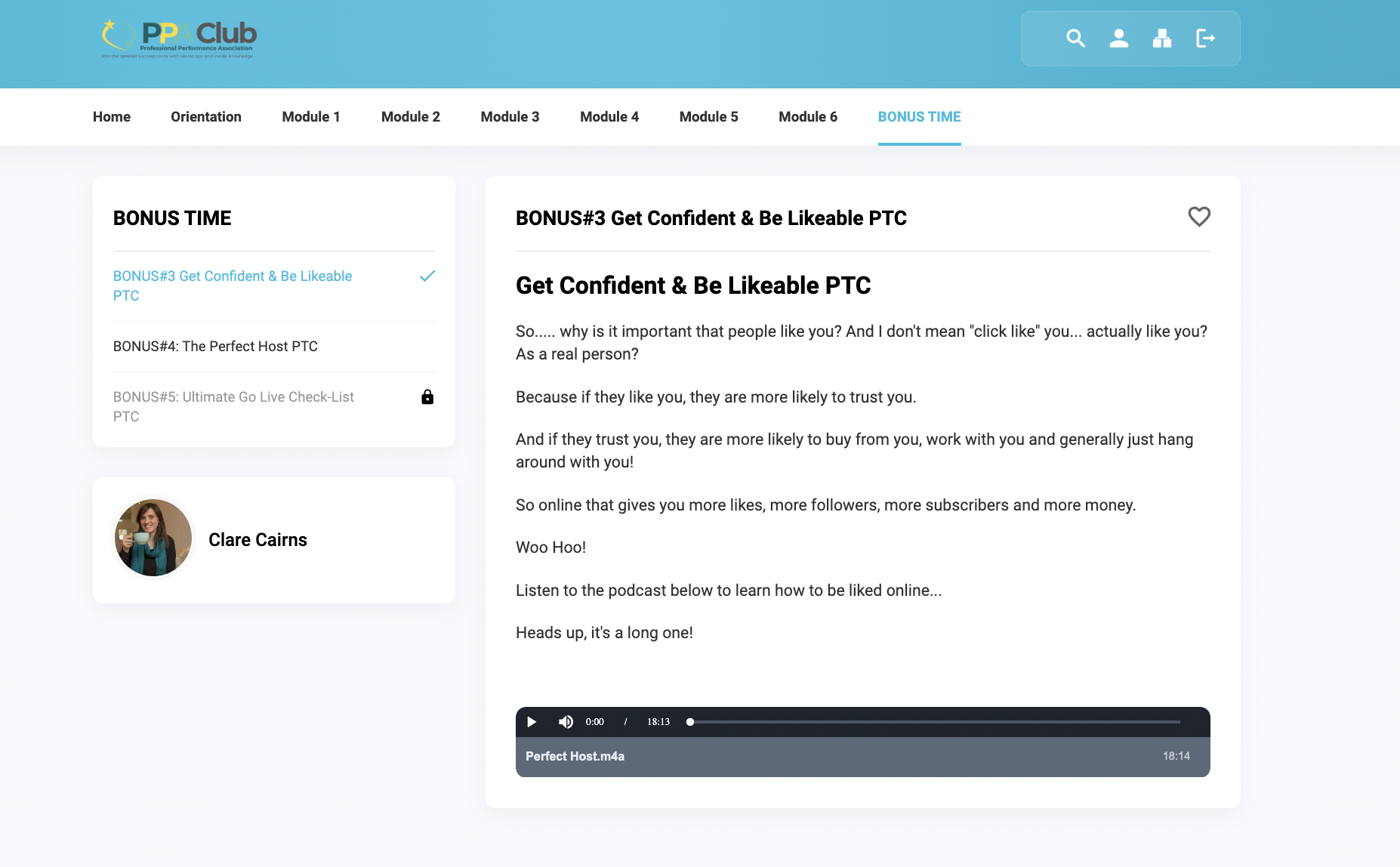
✅ You’ll discover how to get confident and be likeable online
✅ You’ll uncover how to be the leader in an online meeting
✅ You’ll get the Ultimate "Go-Live" Checklist
✅ You’ll get a Certified Course with Education Scotland (CPD PLFind) *
✅ You’ll get an optional NUS Student Card **
✅ You’ll increase your confidence in speaking and everyday life
✅ You’ll get more creative and spark your imagination by freeing up those normal adult restrictions and belief systems
* There is an optional fee for a digital certificate for proof of the certification of this particular course.
** NUS Cards are Payable to NUS
There is normally a mixture of speakers from all sorts of professions and backgrounds who enrol onto this course. Most speakers enrol to improve their presentation, meetings or interview ability.

Look Professional on Camera…Whatever Your Budget
You don't need a professional studio or expensive equipment to look and sound great on camera. What matters is understanding how to use your available space and equipment effectively.
Learn about:
Camera positioning and flattering framing.
The Three-Point Lighting Technique.
Choosing the right microphone and improving sound quality.
Creating a professional background.
Understanding which technology you actually need.
Making your presentations look more polished and engaging.
Preparing your setup to avoid common technical problems.
From simple home recording setups to more advanced presentation environments, you'll discover practical ways to improve your on-screen presence without spending a fortune.
ENROLLING NOW…
Present to Camera
Online Course (valid for 12 months)
Cost: £150.00 (for the whole course including personalised feedback)
Present to Camera Online Course: FAQs
What is the Present to Camera online course?
Present to Camera is an online training programme from Acting Out Drama School designed to help you communicate confidently and professionally through a camera. Whether you need to present on Zoom or Teams, lead online meetings, deliver webinars, record videos or create professional presentations, the course helps you develop the skills to look, sound and feel more confident on camera. It combines practical presentation techniques, camera confidence, technology guidance, vocal training and professional feedback.
How can I become more confident speaking on camera?
Speaking to a camera can feel unnatural, particularly if you are used to communicating with people face to face. Developing camera confidence involves learning how to connect with your audience, use your voice and body language effectively, prepare your content and become comfortable with the technology. The Present to Camera course uses practical acting, performance and communication techniques to help you feel more relaxed, confident and engaging when recording videos or speaking live online.
Is this online camera presentation course suitable for beginners?
Absolutely. You do not need previous presenting or broadcasting experience to take part. The course is suitable for beginners who feel nervous about being on camera, as well as experienced professionals who want to improve their online presentation skills. Whether you are preparing for your first Zoom presentation or regularly delivering webinars and video content, the programme helps you develop practical skills and confidence.
Who is the Present to Camera course for?
The course is suitable for anyone who needs to communicate effectively through a camera, including:
Business owners and entrepreneurs who create videos or promote their services online.
Professionals who regularly attend or lead virtual meetings.
Managers and team leaders who present information remotely.
Coaches, consultants and trainers who deliver online sessions.
Teachers and educators who record lessons or deliver virtual training.
Freelancers and self-employed professionals who want to build their online presence.
Speakers and presenters who deliver webinars or online events.
Anyone who wants to feel more confident speaking on camera.
You do not need to work in the media or have a professional presenting background to benefit.
What will I learn on the Present to Camera course?
The programme includes 12 core online modules and five additional bonus training modules. You will explore practical skills and techniques to help you communicate more confidently and professionally on camera, including:
Building confidence when speaking to a camera.
Preparing and rehearsing online presentations.
Looking natural and engaging on screen.
Understanding camera positioning, framing and angles.
Learning about the Three-Point Lighting Technique.
Choosing suitable lighting, microphones and backgrounds.
Understanding the technology needed for online presentations.
Using your voice effectively and developing vocal authority.
Improving body language and movement on camera.
Avoiding memory blanks and brain freeze.
Creating engaging presentations and online reports.
Connecting with audiences through virtual meetings and video.
Developing confidence when going live.
Leading and contributing effectively in online meetings.
Can this course help me present confidently on Zoom and Microsoft Teams?
Yes. The course is designed for people who need to communicate through online platforms such as Zoom and Microsoft Teams. You will explore how to prepare for virtual meetings, position yourself effectively on screen, use your voice and body language, manage your technology and engage your audience. These skills are useful whether you are presenting to colleagues, clients, customers or larger online audiences.
How can I look more professional on Zoom or Teams meetings?
Looking professional on camera involves more than simply wearing the right clothes. Lighting, camera positioning, framing, background, sound quality, body language and vocal delivery all influence how you come across. The course explores these practical elements and helps you understand how to create a professional on-screen presence, even if you are working from home or on a limited budget.
Do I need expensive camera equipment to present professionally online?
No. You do not need an expensive camera or a professional recording studio to communicate effectively online. The course explores the technology you actually need, as well as affordable options for lighting, microphones, cameras and backgrounds. You will learn how to make the most of the equipment available to you and create a professional-looking presentation without unnecessary expense.
What is the Three-Point Lighting Technique?
Three-point lighting is a commonly used lighting arrangement that helps create a clear, balanced and professional image on camera. It typically involves a key light, fill light and backlight, each serving a different purpose. Understanding lighting can make a significant difference to how you appear in video presentations, online meetings and recorded content. The course introduces this technique and explores how to achieve effective lighting for your own setup.
How can I stop feeling awkward when talking to a camera?
Many people find it strange speaking to a camera because they cannot see the same facial expressions and reactions they would normally receive in a face-to-face conversation. Acting and performance techniques can help you develop a more natural way of communicating, connect with your intended audience and become more comfortable expressing yourself on screen. The course explores practical ways to prepare, rehearse and deliver presentations so that you feel more at ease when you press record or go live.
Can I learn how to record professional videos for my business?
Yes. Present to Camera is particularly useful for business owners and professionals who want to create more confident and engaging video content. Whether you are recording an introduction to your business, creating educational videos, filming tutorials, delivering updates or presenting your services to potential customers, the course helps you develop your camera presence and communication skills. It also explores the technical considerations involved in creating effective video content.
Can this course help me deliver better webinars and online presentations?
Yes. The programme is designed to help you prepare and deliver engaging online presentations, webinars and virtual reports. You will explore how to structure your content, communicate clearly, use your voice effectively, engage your audience and create a professional on-screen presence. The course also covers practical technology and presentation considerations to help your online sessions run more smoothly.
How can I stop forgetting what to say during an online presentation?
Losing your train of thought or experiencing a memory blank can happen to anyone, particularly when presenting under pressure. Preparation, rehearsal and having a clear structure can help you feel more secure when speaking. The Present to Camera course explores practical techniques to help you prepare your material, rehearse effectively and manage common presentation challenges so that you can communicate more confidently.
Will I learn how to use my voice effectively on camera?
Yes. Your voice plays an important role in how engaging and professional you sound online. The course includes vocal training, voice warm-ups and practical techniques to help you develop stronger, clearer and more expressive delivery. You will explore how to communicate with greater authority, maintain audience interest and avoid sounding flat or disengaged during online presentations.
Can acting techniques help me become a better online presenter?
Definitely. Acting and presenting share many important skills, including vocal expression, body language, audience awareness, preparation and the ability to communicate ideas convincingly. Actors train to connect with an audience, manage pressure and deliver engaging performances. Applying these techniques to online presentations can help you appear more natural, expressive and confident on camera. AODS brings its experience in acting and performance training into its camera and communication programmes.
Will I receive personalised feedback on my online presentation?
Yes. The Present to Camera course includes personalised feedback as part of the course price. This gives you the opportunity to put your learning into practice and receive professional guidance on your presentation skills. It is a valuable way to reflect on your progress and identify areas where you can continue to develop.
Can I study the Present to Camera course at my own pace?
Yes. The course is delivered through a private online membership portal, which you can access 24 hours a day, seven days a week. You receive 12 months of access, allowing you to work through the 12 core modules and five bonus modules at a pace that suits your schedule. You can fit your training around work, business commitments and other responsibilities.
What resources are included in the Present to Camera course?
The programme includes 12 core training modules and five bonus modules, together with a range of online learning resources. These include training videos, audio materials, workbooks, practical exercises, templates and ready-to-use resources. You will also receive guidance on the equipment and technology needed to present and record yourself more professionally.
Do I need to attend live online classes?
No. Present to Camera is a self-paced online training programme rather than a scheduled live class. You can access the private membership portal whenever it suits you and complete the modules around your existing commitments. This makes it particularly convenient for busy professionals and business owners.
How much does the Present to Camera online course cost?
The Present to Camera course currently costs £150 for the complete programme, including personalised feedback. This includes access to the 12 core online modules, five additional bonus modules and the associated learning resources, with 12 months of access to the online portal.
Do I receive a certificate after completing the course?
The course is advertised as certified through Education Scotland's CPD PLFind framework. An optional digital certificate is available for an additional fee as proof of certification. Please check the current enrolment information for the certificate arrangements and any associated costs.
Can I enrol if I live outside Edinburgh or Scotland?
Yes. Present to Camera is delivered entirely online, so you can enrol from anywhere in the UK or internationally. You do not need to attend in-person classes or live near Acting Out Drama School. You can access your training materials through the online portal and complete the programme wherever you are.
What is the difference between Present to Camera and a general public speaking course?
A general public speaking course focuses on communicating confidently with an audience, developing presentation skills, managing nerves and delivering speeches effectively. Present to Camera has a more specific focus on communicating through a camera. It explores virtual meetings, online presentations, video recording, lighting, framing, microphones, backgrounds and developing a confident on-screen presence. If you regularly use Zoom or Teams, record videos or deliver online training, Present to Camera offers more specialised guidance for those situations.
Why choose Acting Out Drama School for online camera and presentation training?
Acting Out Drama School is a multi-award-winning drama school with over 20 years of experience in acting, public speaking, performance and communication training. Our approach brings together practical acting techniques, vocal training and presentation skills to help people communicate more confidently. Present to Camera applies this experience to the specific challenges of virtual meetings, online presentations and recorded video, giving you practical skills you can use in your professional and everyday life.